
Intelligent CV Screening & Candidate Assessment
An HR department uses an AI agent to analyze candidate CVs against job requirements, rank applicants, and generate detailed assessment reports—reducing screening time by 90%.
See the Workflow in Action
An illustrative example run, not customer data.
The Challenge
For a senior developer position, the HR team receives 150+ applications. Manually reviewing each CV against the job requirements takes days and risks missing qualified candidates.
Manual Review Problems:
- 20+ hours reviewing CVs per position
- Inconsistent evaluation criteria
- Risk of unconscious bias
- Qualified candidates overlooked

The Solution
Create an AI agent with job requirements, upload all candidate CVs, and let the agent analyze qualifications, extract key skills, and rank candidates with detailed assessments.
AI Assessment Benefits:
- 20 hours → 2 hours (90% time savings)
- Consistent evaluation criteria for all
- Skills-based objective screening
- Never miss qualified candidates
Screenshot: Ranked candidates with scores
(Structured assessment report)Step-by-Step Tutorial
Set up automated CV assessment
Create Recruitment Agent
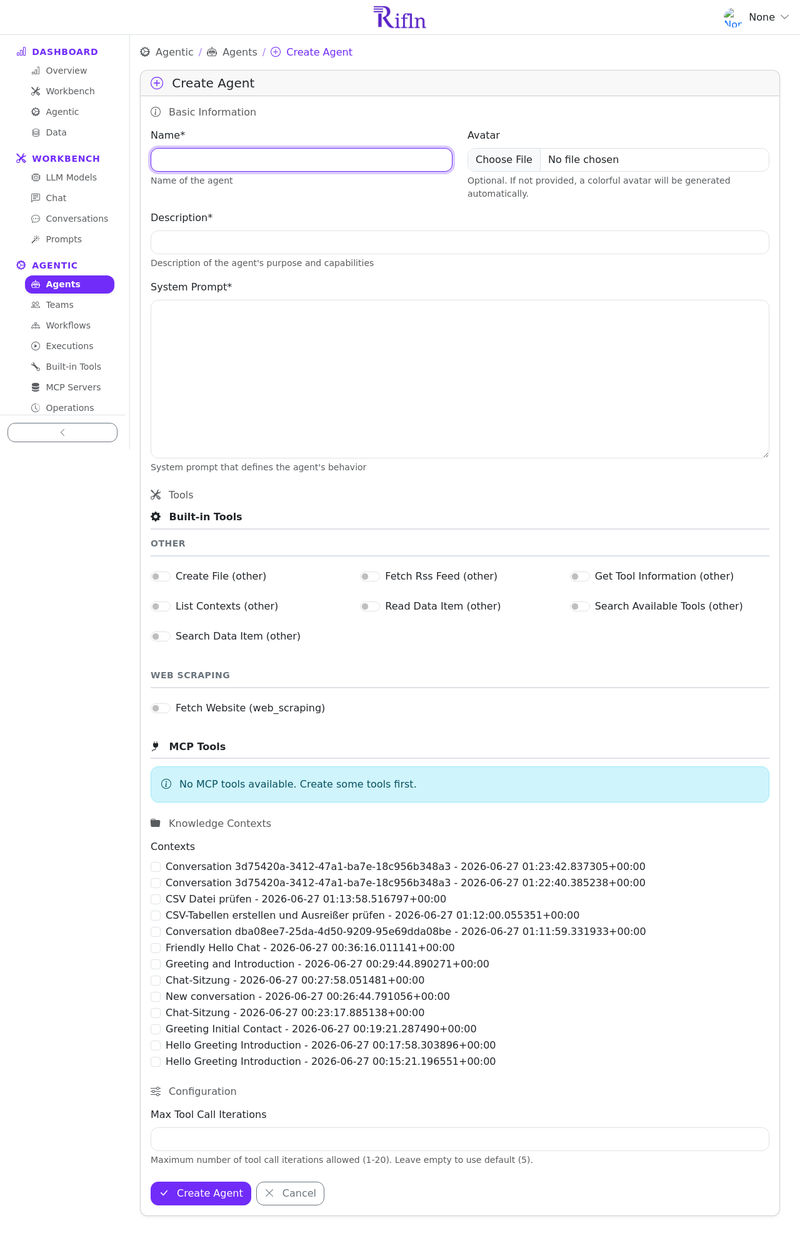
Navigate to the Agentic section and create an agent specialized in candidate evaluation with specific job criteria.
Agent Configuration:
- Name: Senior Developer Recruiter
- System Prompt: "You are an expert technical recruiter. Evaluate candidates for a Senior Developer position requiring: 5+ years Python/Django, AWS experience, team leadership. Assess technical skills, experience level, and cultural fit. Provide scores (1-10) and detailed justification."
- Tools: search_data_item, read_data_item, create_file
Start Conversation & Upload Job Description
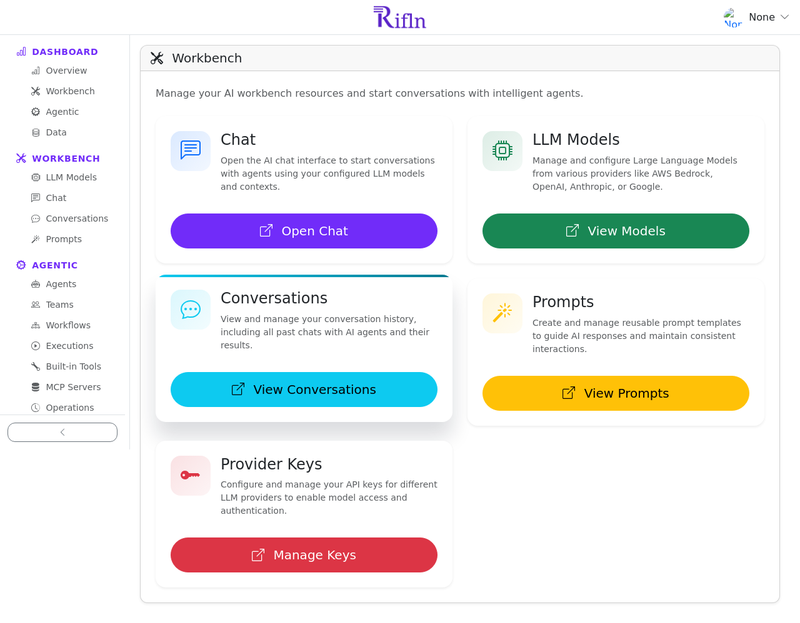
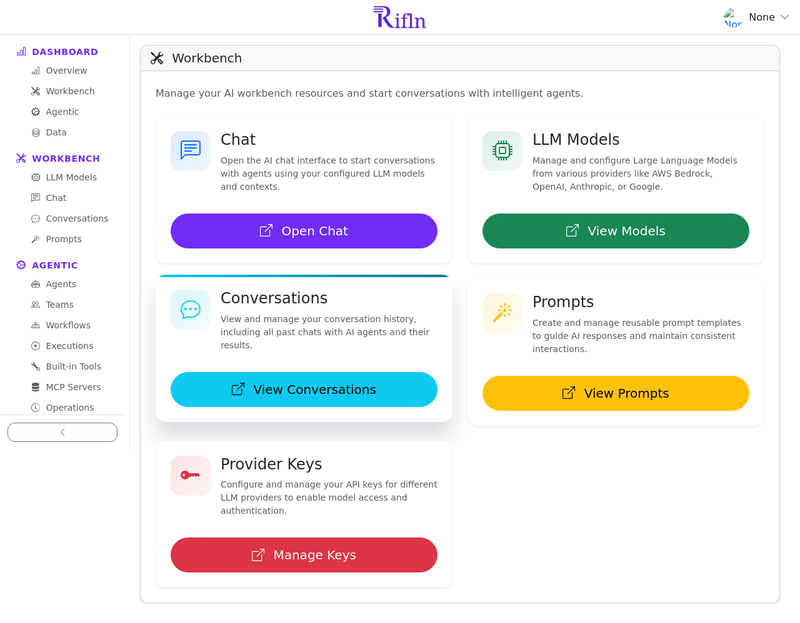
Go to Workbench and start a conversation with your recruitment agent. Upload the job description PDF as context.
What Gets Processed:
- Text-based PDFs: Direct text extraction
- Scanned PDFs: Vision model analyzes images (up to 10 pages)
- Content becomes searchable in conversation context
- Agent can reference job requirements during assessment
Upload Candidate CVs
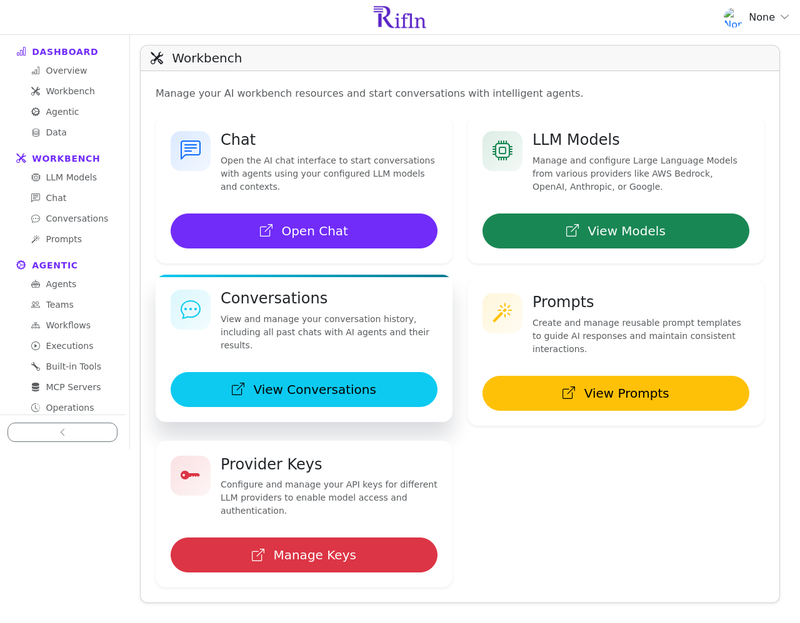
Upload all candidate CVs to the same conversation. The system supports batch upload of PDF files (up to 100MB each).
Supported CV Formats:
- PDF files (text-based or scanned)
- Multiple files in one conversation
- Automatic processing and text extraction
- Each CV becomes searchable
Request Assessment
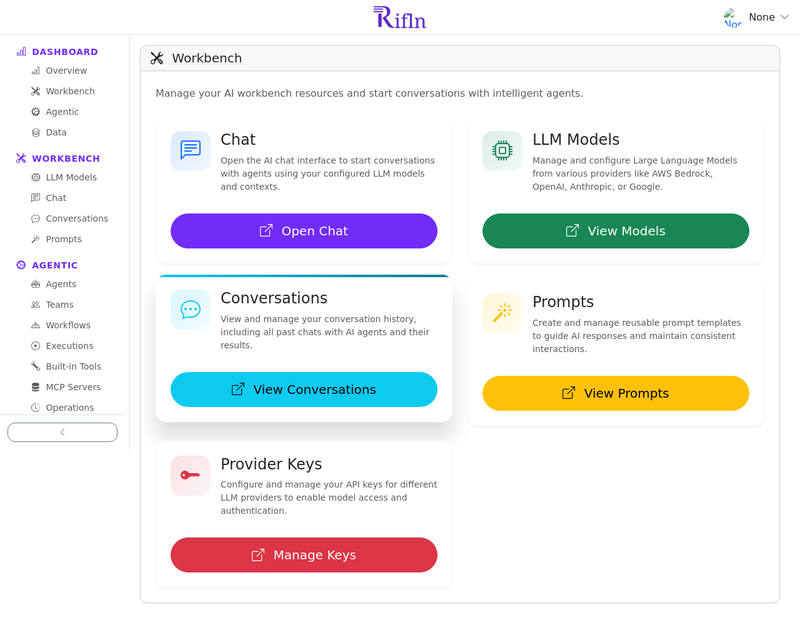
Ask the agent to analyze all CVs and provide a comprehensive assessment.
Example Prompt:
"Review all uploaded CVs against our job requirements. For each candidate, provide: 1) Technical skills score (1-10), 2) Experience match score (1-10), 3) Overall recommendation, 4) Key strengths and concerns. Create a CSV file with rankings and a detailed report in Markdown.
Review Assessment Report
The agent generates a comprehensive assessment with rankings, scores, and detailed justifications. Download the report to share with your team.
What You Get:
- Ranked list of candidates with scores
- Skills matrix comparing candidates
- Detailed assessment for each candidate
- Red flags and concerns identified
- Interview recommendations
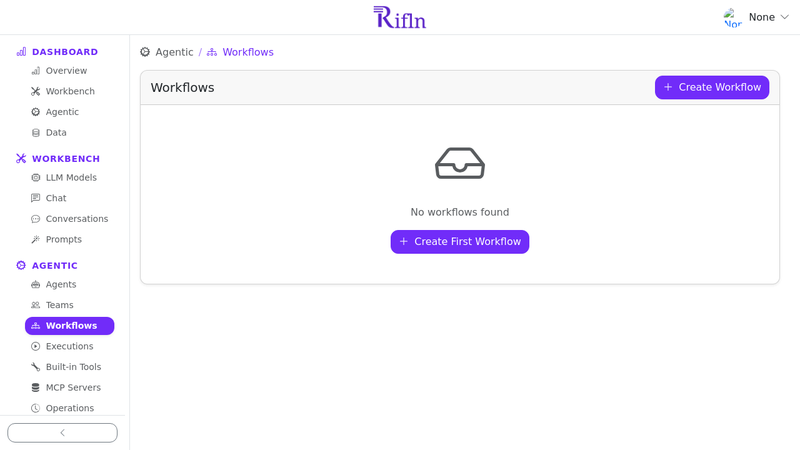
Bonus: Create Reusable Workflow
Save this conversation as a workflow so you can reuse the same assessment criteria for future positions.
Workflow Benefits:
- Consistent evaluation across all positions
- Just upload new CVs and job description
- Instant assessment in minutes
- Build a library of role-specific evaluators
How It Works
Behind the scenes: The AI assessment workflow
1. Document Upload
CVs and job description uploaded to conversation. System detects PDF type (text or scanned) and processes accordingly.
2. Text Extraction
Text-based PDFs: Direct extraction. Scanned PDFs: Vision model (Claude/Nova/Gemini) analyzes page images and extracts text.
3. Multi-Doc Analysis
Agent uses search_data_item and read_data_item tools to compare CVs against job requirements. Keyword search finds relevant experience.
4. Report Generation
Agent creates structured report with rankings, scores, and justifications. Uses create_file tool for CSV/Markdown output.
Technical Capabilities
Document Processing:
- Text-based PDFs: Direct extraction
- Scanned PDFs: Vision model analysis
- Up to 100MB per file
- Batch processing multiple CVs
- Automatic context grouping
Tools Used:
- search_data_item: Find skills/experience
- read_data_item: Read full CVs
- create_file: Generate reports
- Vision Models: For scanned docs
- Workflows: Reusable assessments
Ready to Transform Your Hiring Process?
Start screening candidates intelligently with AI-powered CV assessment.
Get Started Free